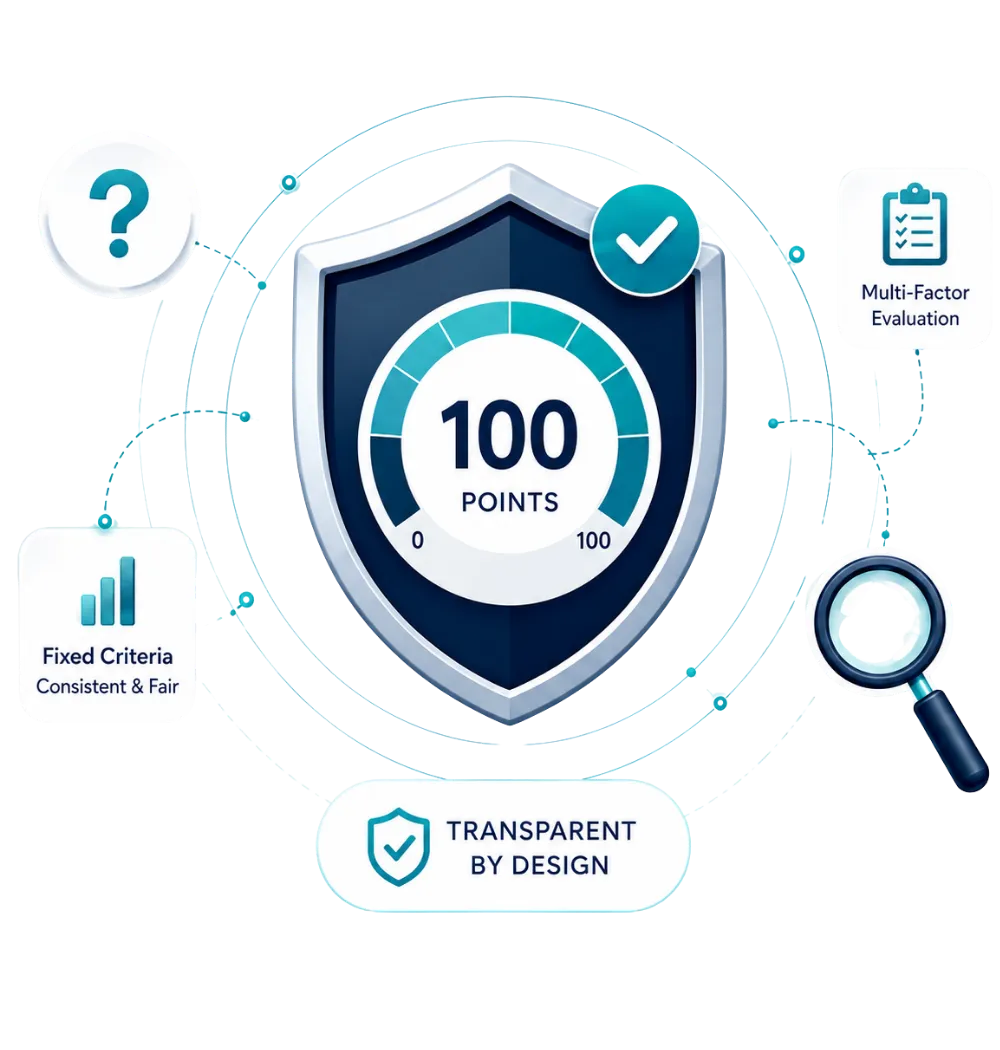
A genuine PLOCAL badge should link back to an official PLOCAL business profile. Before trusting a badge displayed on another website, open that link directly and confirm it leads to an official PLOCAL profile.
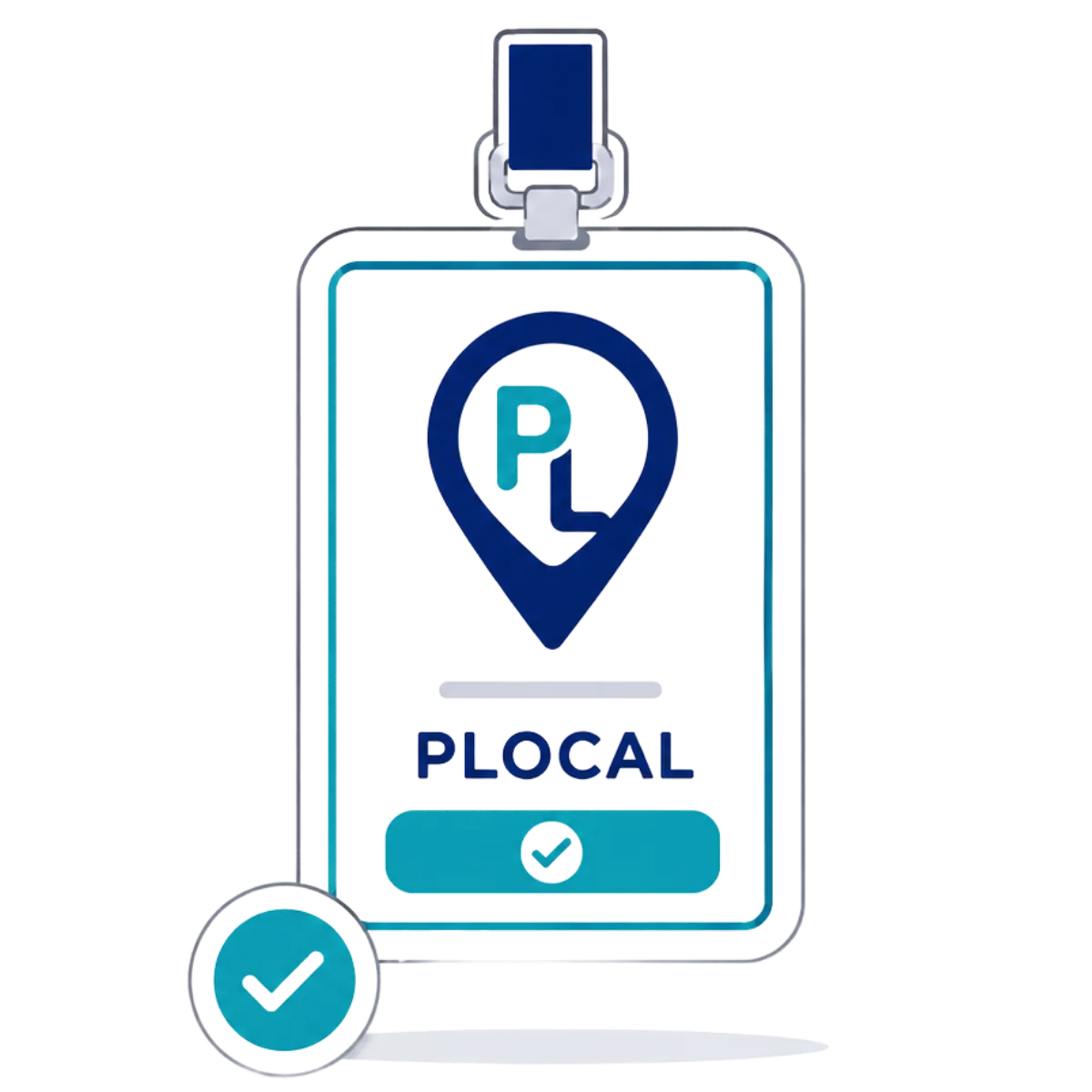
A real PLOCAL badge always links back to an official PLOCAL business profile. Badge images can be copied onto any website, so an image on its own is a claim, not proof. Use the steps and form below to confirm a badge or profile is genuine before you trust it.
Follow these checks before trusting a badge image or business profile.
Locate the badge or profile link shown on the business's website.
Open the linked PLOCAL profile directly rather than trusting the badge image alone.
Compare the business name, city, state, and category shown with what appears elsewhere.
If anything does not match, or the badge does not link anywhere, use the form to request a check.
Tell us where you saw the badge or profile and what it claims. A PLOCAL team member will compare it against official data and follow up by email.
If something does not match, you can report it .
Find answers about verifying genuine PLOCAL badges, comparing official business details, identifying copied badge images, and reporting information that does not match.
A genuine PLOCAL badge should link back to an official PLOCAL business profile. Before trusting a badge displayed on another website, open that link directly and confirm it leads to an official PLOCAL profile.

Compare the business name, city, state, category, and profile information shown against the official PLOCAL profile. Final verification should always rely on official PLOCAL data, not the badge image alone.
No. Badge images can be copied or reused without permission. A badge is only meaningful if it links to a real, matching PLOCAL profile.
Submit the details using the verification form on this page, or report it directly so the PLOCAL team can review it.